
Bringing Nebula connectivity to everyone
A free, hosted managed lighthouse is now part of every new Managed Nebula network — sign up, enroll two machines, and they'll be instantly connected.
Effective firewalls are an important part of any secure network design. When using Defined Networking’s Managed Nebula, only those devices enrolled on your account are able to communicate with each other, but it is still prudent to limit the ways those devices interact.
Up until now, the only way to define firewall rules in Managed Nebula has been to assign roles to each of your devices and open ports between those roles. This simple approach works well for many cases, for example to allow access to machines with a role of webserver on TCP port 443 (https) from any other host with the role of user-device. Now your company’s dashboard can be kept off the global internet, but still accessed by your employees.
But what if certain employees also need to be able to SSH into that webserver to make changes to it? Using only roles, you could create a new role called user-device-admin, and open TCP port 22 for hosts with that role, but then you would need to find any other roles with rules targeting user-device, and update them to also allow user-device-admin. This can be tedious and difficult to maintain.
With the release of tag-based firewall rules, creating more complex firewall rules is much easier. Now, instead of creating a new role for admins, you can assign them a tag like user-type:admin, along with the existing user-device role. Then, create a firewall rule that allows SSH from any hosts that have the user-device role and the new user-type:admin tag. Now admins will be able to SSH into the web servers, and will still have access to the company dashboard website.
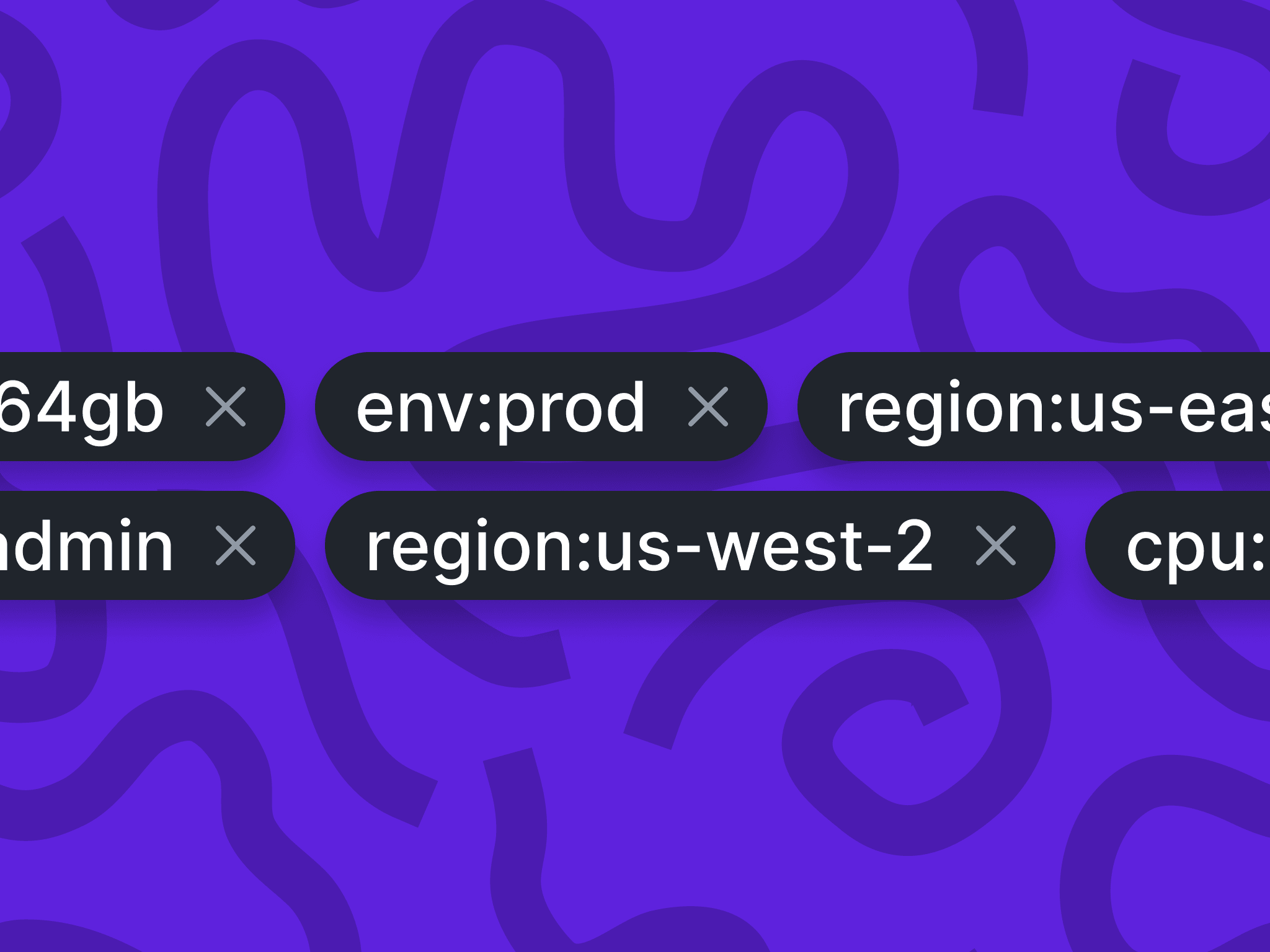
Tags can be thought of as attributes or slices of identity which can be applied to devices on your Managed Nebula network. They contain a key and a value, formatted as key:value. Each host can have multiple tags, and new tags can be created on-the-fly as you create or edit your hosts.
That’s right, you can now edit your hosts, relays, and lighthouses to change their name and role, or add and remove tags. Be sure to update all of your devices to the latest version of dnclient before editing to ensure that these changes are properly applied across your network. The minimum supported version is 0.2.1 for desktop clients, and 0.3.0 for mobile apps. Read our guide to creating firewalls using roles and tags to get started.
Tags make it much easier to create robust access control rules in your Managed Nebula network and pave the way for future product improvements. Try them out today in a free Managed Nebula account with up to 100 hosts and let us know what you think.
A free, hosted managed lighthouse is now part of every new Managed Nebula network — sign up, enroll two machines, and they'll be instantly connected.
Mobile Nebula v0.10.0 brings Always On support, custom DNS resolvers, full config imports, and inbound firewall rules to Android and iOS.
Nebula v1.10.0 is here with IPv6 overlay support, multiple Nebula IPs per host, a new certificate format, and more.
Connectivity that just works. Connect up to 100 devices free, no credit card required.

